
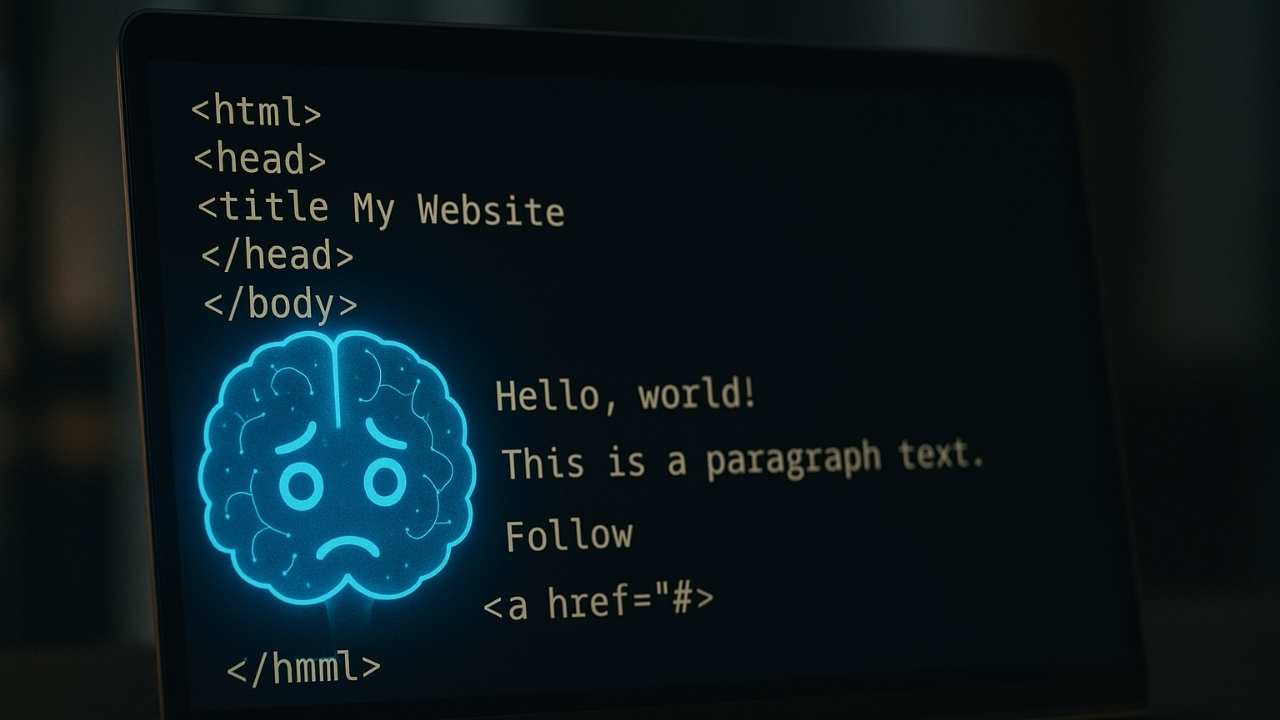
If you’ve ever pasted your website URL into ChatGPT and noticed watched the assistant return a partial or empty summary, you’re not alone. Many site owners wonder why ChatGPT can’t read my website, even though the same page loads perfectly for humans and ranks well in Google. This guide explains the real technical reasons behind ChatGPT’s reading failure — and how to fix it without hurting your SEO.
Table of Contents
Why ChatGPT Can’t Read My Website or Blog Posts
To understand the problem, it’s important to know how ChatGPT reads a webpage.
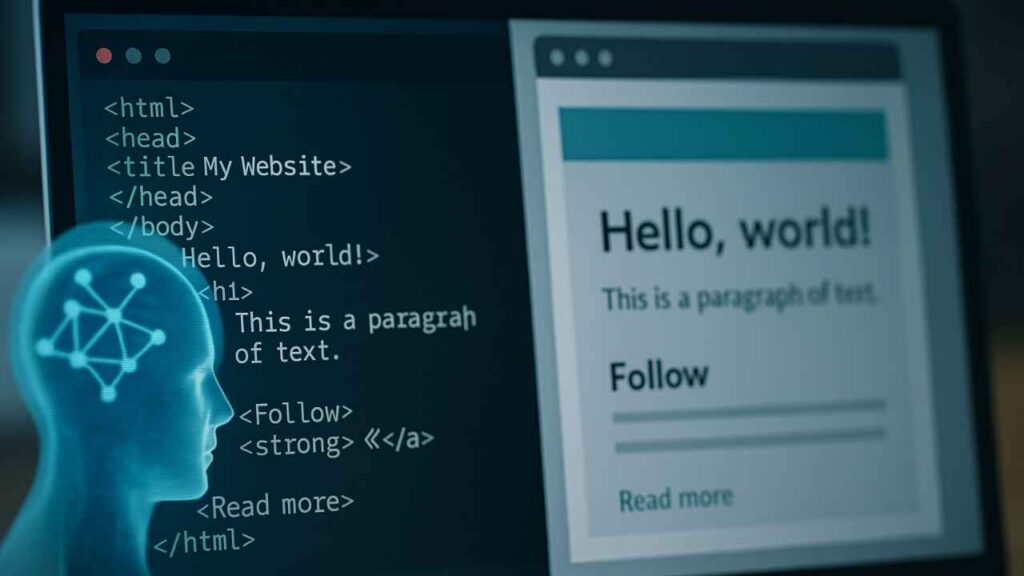
When a human opens a page, the browser loads HTML, CSS and JavaScript, executes scripts, builds the DOM and renders the final page. Most AI “web readers” fetch the initial HTML and extract text from it without executing page JavaScript. Because modern WordPress and many page builders often insert or modify content via JavaScript, some paragraphs or blocks may not be present in the HTML snapshot that AI tools see. In practice, this is why AI readers sometimes only get the first paragraph or the page’s headings while the rest of the article is missing.
Key point: Most AI tools do not run JavaScript when fetching content. (This is a practical working assumption for predictable results — crawler capabilities may vary and can change over time.) AI Article read from given URL
Before allowing AI crawlers, review the official OpenAI GPTBot crawler documentation.
How Gutenberg Blocks Affect AI Readability
Gutenberg is powerful and modern, but the block editor creates deeply nested structures such as:
- Groups
- Columns
- Cover blocks
- Reusable patterns
- Theme-wrapped containers
These layers add multiple <div> wrappers around your text.
<div>
   <div>
      <div>
         <p>…text…</p>
      </div>
   </div>
</div>
To a human, it makes no difference.
But to an AI scraper searching for <p>Actual Text</p>, these deeply nested layers become harder to interpret.
AI scrapers expect predictable HTML patterns like:
<p>Visible paragraph text…</p>
<h2>Heading</h2>
<ul><li>Standard list</li></ul>
Practical test: open your page → View Page Source → search for a sentence from the middle of your post. If it’s not present there, most AI readers will also not see it.
You can read: WordPress Homepage Breaks When Logged Out – Know How to Fix (Solved)
How Caching Plugins Make ChatGPT Miss Content
LiteSpeed Cache, WP Rocket, and other optimization tools improve speed by restructuring your HTML. They may:
- Lazy-load text or blocks
- Delay JavaScript
- Combine, minify, or defer scripts
- Replace sections with placeholders
- Remove whitespace and simplify structure
All these tricks help your page load quickly for human visitors.
But they can damage how AI tools fetch pages.
Many website owners only discover ChatGPT can’t read my website after enabling aggressive caching settings. That’s because AI gets a trimmed version of the HTML that might not contain your full content.
Safety note: do not turn off critical security features (e.g., mod_security or host-level bot protection) without consulting your host. Instead prefer targeted, safer steps (below).
Why Google Reads Everything but ChatGPT Doesn’t
This is one of the biggest sources of confusion.
Googlebot (including Gemini AI) performs full-page rendering using a headless Chromium, so it executes JavaScript and indexes the post-render DOM. That’s why Google can index pages that some AI fetchers cannot.
Googlebot = Headless Chrome
It fully renders JavaScript, loads dynamic blocks, scrolls, and builds a complete DOM.
ChatGPT and most AI crawlers = Raw HTML fetchers
They usually do not execute JavaScript.
The difference is not in the content but in how crawlers fetch and render the page. So even when ChatGPT can’t read a website, it has zero impact on Google SEO. Google sees your site exactly as a human does, including dynamic content.
Check how Google renders JavaScript.
Rank Math TOC, theme interactions, and root cause
Some users observe that adding a TOC or similar block seems to coincide with missing paragraphs in the raw HTML. In many of those cases the TOC itself is not the direct cause — rather, it’s the interaction among:
- the TOC plugin/block,
- the active theme (template rendering), and
- optimization/caching settings (LiteSpeed, etc.).
That interaction can result in parts of the page being built client-side. So we should treat the TOC as a possible trigger to investigate — but not assume it is always the root cause. The correct approach is to test, isolate, and then fix the specific interplay on the site.
You can read: How to Remove “Built with GeneratePress” Footer Message (Solved)
Fixing ChatGPT Readability Issues on Your Website
If you want AI tools to read your content reliably (for better AI referencing, summaries or automated republishing), here are safe, practical options —
1. Make Sure Important Text Appears in Static HTML
Use simple blocks:
- Paragraph
- Heading
- List
- Classic Paragraph
Avoid excessive Group blocks, Columns, or Cover blocks for long text sections. Classic Editor works best ensure text is in the server-returned HTML, but it’s not essential to use classic editor.
2. Adjust LiteSpeed Cache or WP Rocket Settings (Safely)
In LiteSpeed Cache (or similar), consider disabling or relaxing only the options that defer or lazy-load HTML/text (for posts), such as:
- Delay JS
- HTML Lazy Load
- Inline JS Combine
- Excessive Minify (HTML/JS)
These often hide or restructure text before AI fetches it.
However, it’s better to discuss with hosting platform before taking any such action. Also, make sure, do not globally disable security features.
3. Use server-level whitelisting for trusted crawlers

Rather than naive user-agent rules, ask your host (Hostinger) to whitelist reputable crawler IP ranges or verified tokens (OpenAI, Google, Anthropic, Microsoft/Bing, Perplexity), or add an llms.txt file to declare which LLMs you permit — then request safe host-level exceptions.
This approach is the best balance of discoverability + security. But talk to your hosting platform before taking any such action because security should be your first preference.
Note, don’t disable mod_security or bot protection.
4. Use a Static Export for Important Guides
For cornerstone articles, a static HTML export makes them readable by every crawler, including AI.
Does AI unreadability affect SEO?
No — not for Bing or Google indexing and ranking. Google renders and indexes JavaScript content, so your SEO position is not harmed simply because an AI summarizer cannot parse the raw HTML.
The AI-readability problem affects downstream tools, AI summaries, and how some third-party agents reference your page — not Google search ranking. That said, if content is truly blocked (robots.txt, server blocks) from Google, that would be a ranking problem — but that’s a different issue.
FAQs
Why can’t ChatGPT read my website?
Several possible reasons available. One of the basic reason is, ChatGPT usually fetches only raw HTML without executing JavaScript. If your text appears only after JS loads, ChatGPT won’t see it.
Why does ChatGPT fail to load my WordPress blog?
Caching plugins like LiteSpeed may defer or lazy-load text blocks, causing AI tools to receive incomplete HTML.
Does this affect my Google ranking?
No. Google fully renders JavaScript, so your SEO remains unaffected.
How do I fix AI readability issues?
Ensure text is visible in static HTML, reduce Gutenberg nesting, relax LiteSpeed settings, and allow AI crawlers (llms.txt).
Why can Gemini read my website but ChatGPT can’t?
Gemini’s crawler uses more advanced page rendering and may execute JavaScript, while ChatGPT generally fetches raw HTML only.
Final Thoughts
It’s completely normal for AI tools to struggle with modern WordPress setups, especially when heavy block structures and caching plugins are involved. The good news is that these issues are fixable — and they don’t harm your SEO.
By keeping your important text inside simple HTML structures and adjusting a few optimization settings, you can ensure AI tools read your content accurately while keeping your site fast and user-friendly.
If you ever wondered why ChatGPT can’t read my website, now you know exactly what’s happening — and how to fix it.
Short actionable checklist
- In LiteSpeed Cache: temporarily disable “Delay JS” and “HTML lazy load” for posts → purge cache → check rendered HTML via View Source.
- If you use Rank Math TOC, move it above the intro as a test or temporarily remove it to see if static HTML reappears.
- Create
llms.txtinpublic_htmlwith a short allow list for reputable LLM crawlers (caution: user-agent lists are weak; prefer host whitelisting). - Open a Hosting platform support ticket asking for verified-crawler whitelist by IP/token rather than only user-agent.